The Flagline Golf app
Your notebooks, on your phone.
Scorecards and shot maps that show your real miss, practice sessions with real numbers, every notebook test, 65 practice games and a junior journal. The app adds it all up and tells you what to practice next.
- Free
- iPhone, Android & computer
- Works with no signal
- Syncs to every device
How it works
Four steps, then just play
- 1
Create a free account
Open app.flaglinegolf.com on your phone and sign up with your email. Nothing to download from an app store.
- 2
Tell it which notebooks you have
A one-minute setup asks who’s golfing, which Flagline notebooks you own and what you want to work on. The app shows those pages first. No notebook yet? It works on its own too.
- 3
Log as you play and practice
Fill in the scorecard and tap where each drive and approach finished, hole by hole. Log range, sim and short-game sessions, test scores and practice games. No signal on the course is fine.
- 4
Follow your plan
The app adds up where you’re losing shots and builds today’s practice plan from it. Optional reminders nudge you when you’re due.
Today
A practice plan built from your rounds
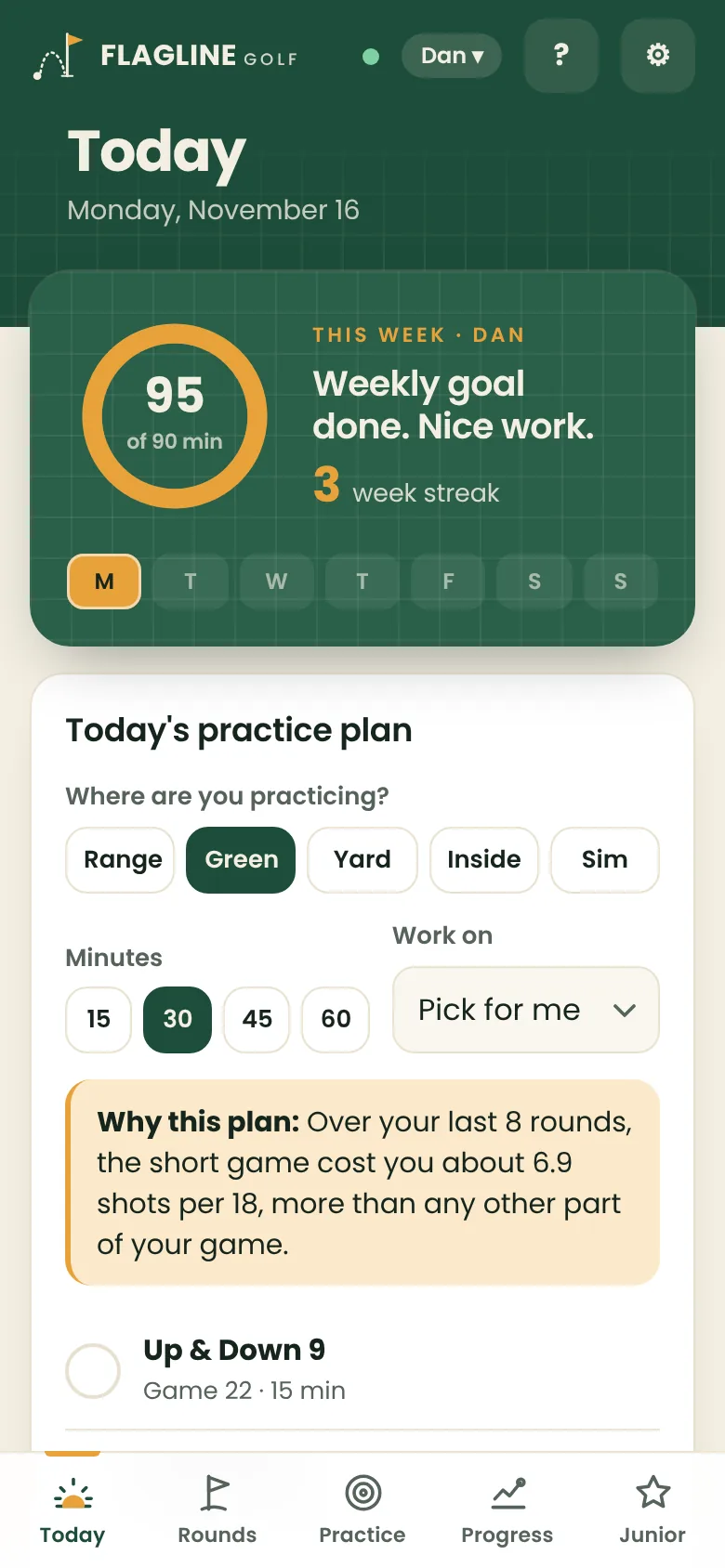
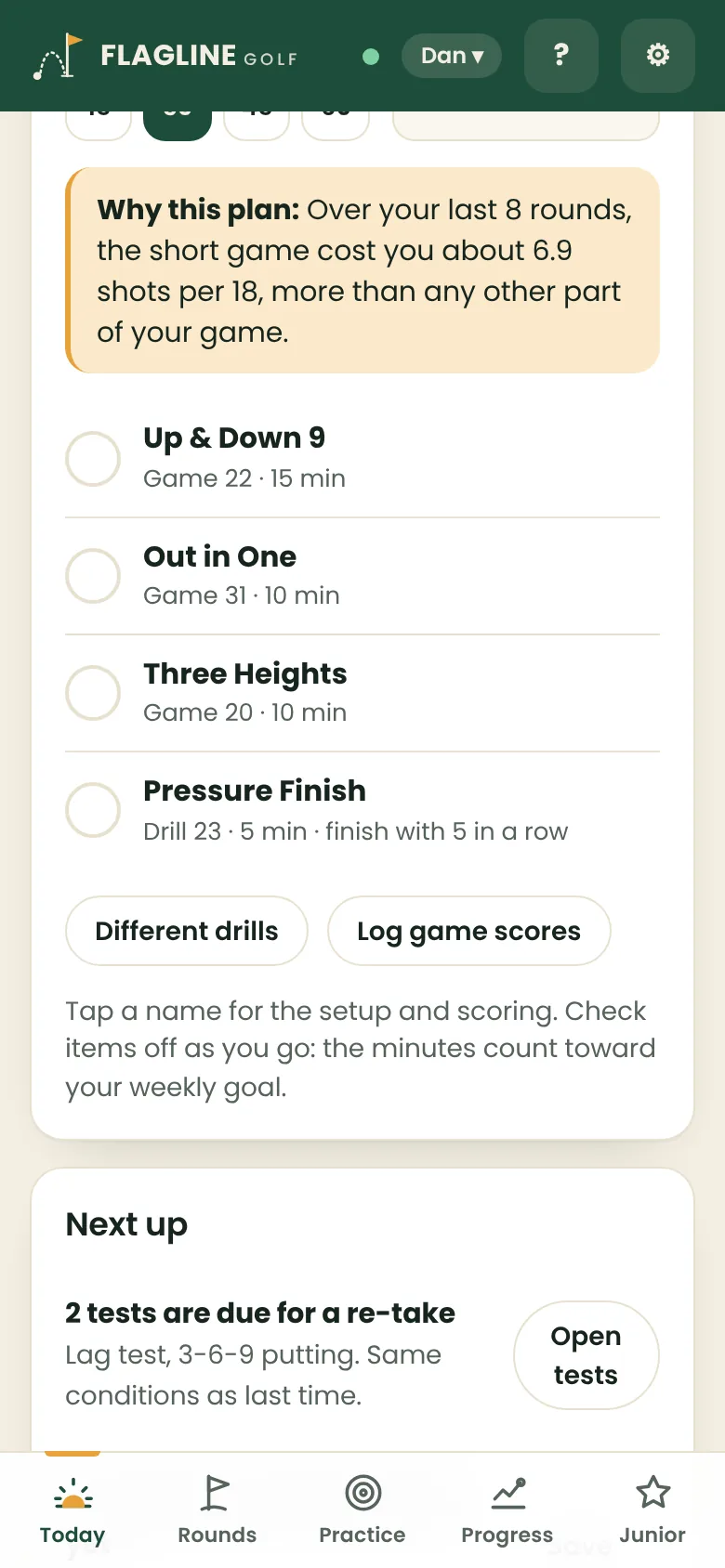
Open the app and the Today screen tells you what to work on and why.
- Today’s plan: pick where you are (range, practice green, yard, inside or simulator) and how long you have. You get games and drills from the notebooks aimed at your weakest area.
- Weekly goal and streak: every practice minute counts toward your goal, with a 10-week calendar of the work you’ve put in.
- Practice reminders: on the days and time you choose, only when you’re due, plus an optional Sunday summary email.
Rounds & shot maps
See your real miss, not the one you remember
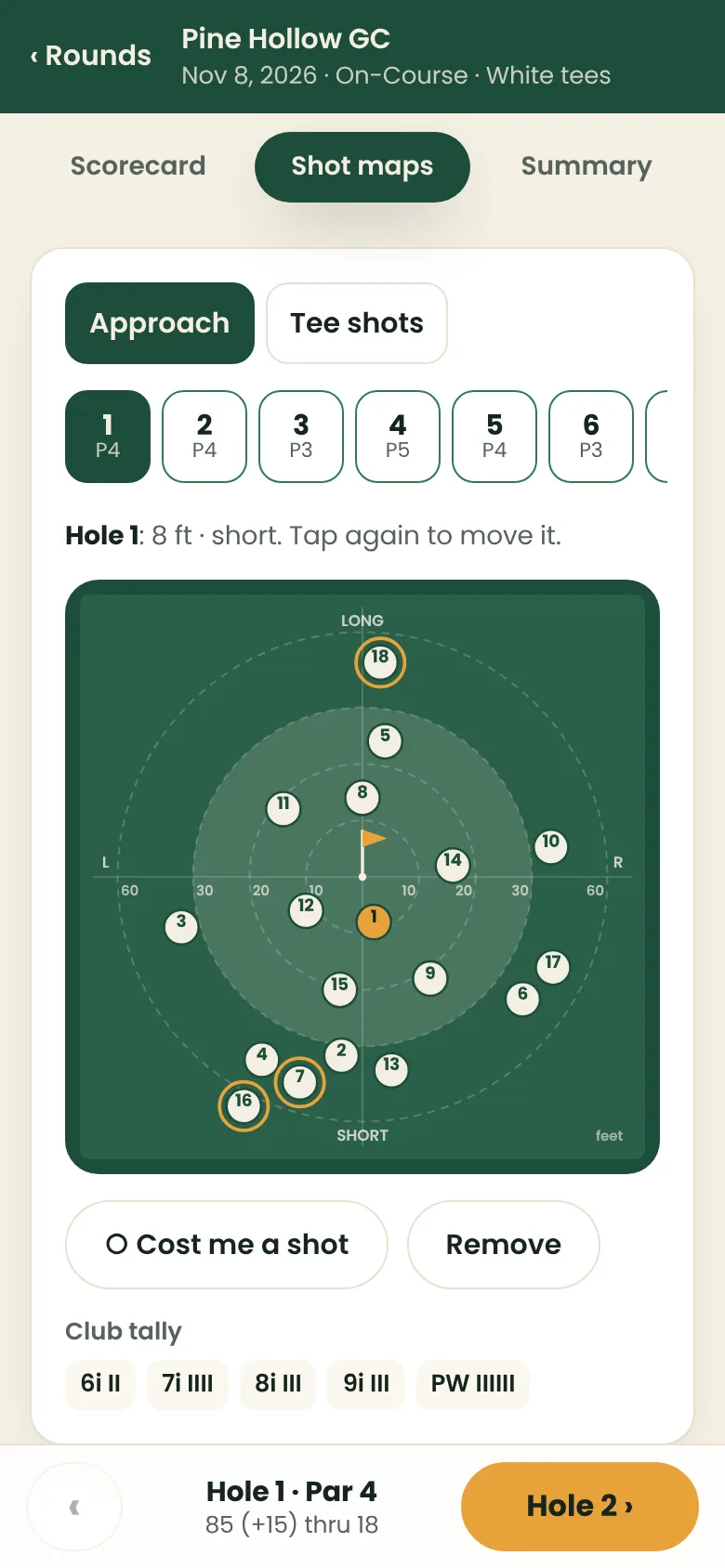
The same scorecard and shot maps as the notebooks, one hole at a time.
- Scorecard: score, putts, fairway, green in regulation (or which side you missed), approach yardage and club, and penalties.
- Shot maps: tap where each tee shot and approach finished. After a few rounds your pattern shows up, with distance from the flag for every approach.
- One thing to work on: the app works out how many shots you lose off the tee, on approach, around the green, putting and to penalties, then tells you where to start.
- Three round types: On-Course, Tournament (up and downs, sand saves) and Junior.
Progress, courses & scoring index
Your courses, your scoring index, your season
Find your course and the pars, stroke index, tees, rating and slope fill themselves in.
- Course search: thousands of US courses, with hole yardages for each tee.
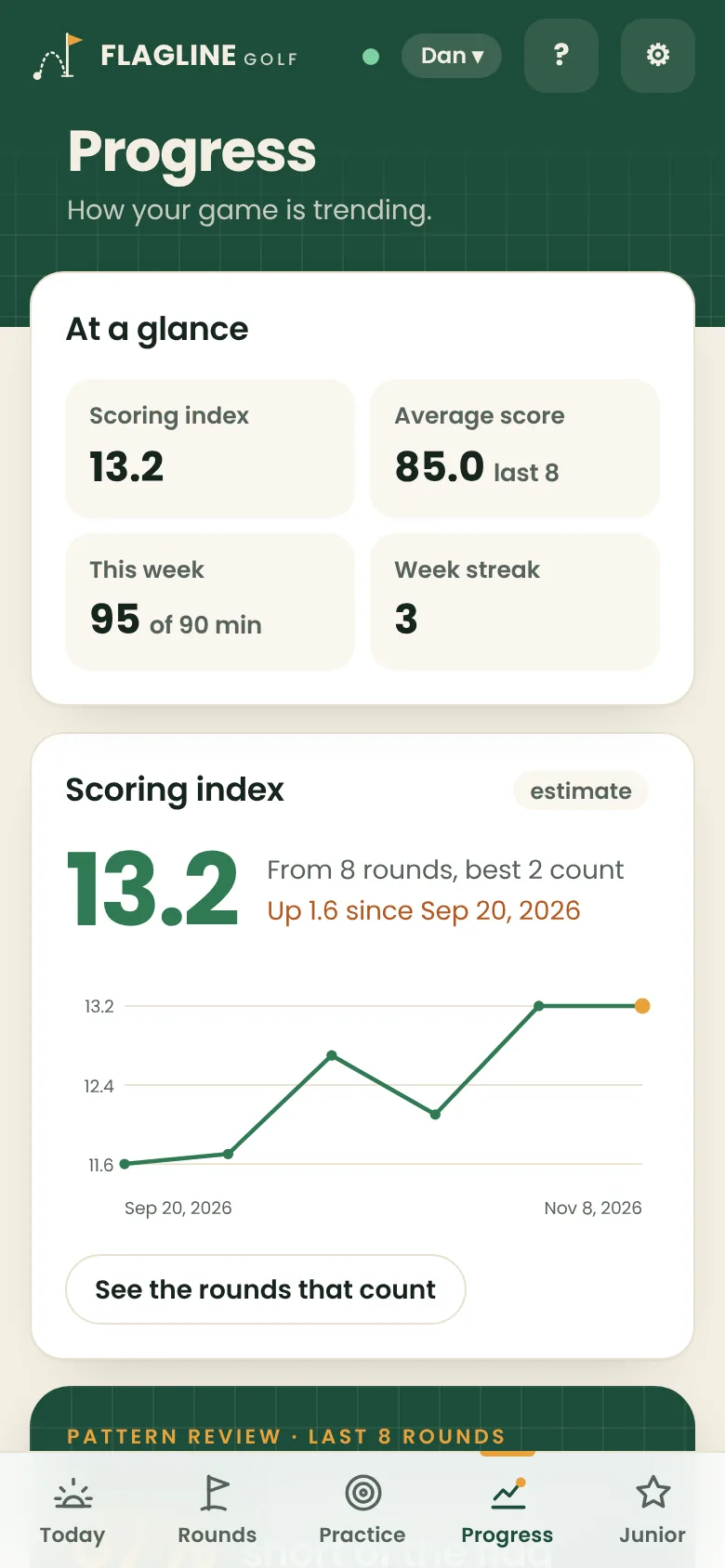
- Scoring index: worked out the way the World Handicap System does it, from your rounds with a rating and slope. It’s an estimate to track your progress, not an official Handicap Index.
- Progress tab: your scoring index, the pattern from your last 10 rounds, a practice calendar, test trends and club progress in one place.
- Season recap: best round, practice time, personal bests and a shareable season image.
Practice
Range, sim and short-game sessions that count
Log practice the way the Range, Sim and Short Game notebooks do, and see the numbers add up.
- Range and sim sessions: plot balls on a target grid to find your true carry and pattern for every club.
- Launch monitor import: bring in shots from Garmin Golf, Rapsodo, FlightScope, Mevo, Foresight, GSPro and others.
- Bag gapping: your carry for every club, with the gaps flagged. No launch monitor? Enter your own numbers.
- Short game: the 34-drill library, ready-made practice plans, a putting tally and a wedge distance chart.
- Sim extras: baseline and goals, equipment A vs B tests and speed training.
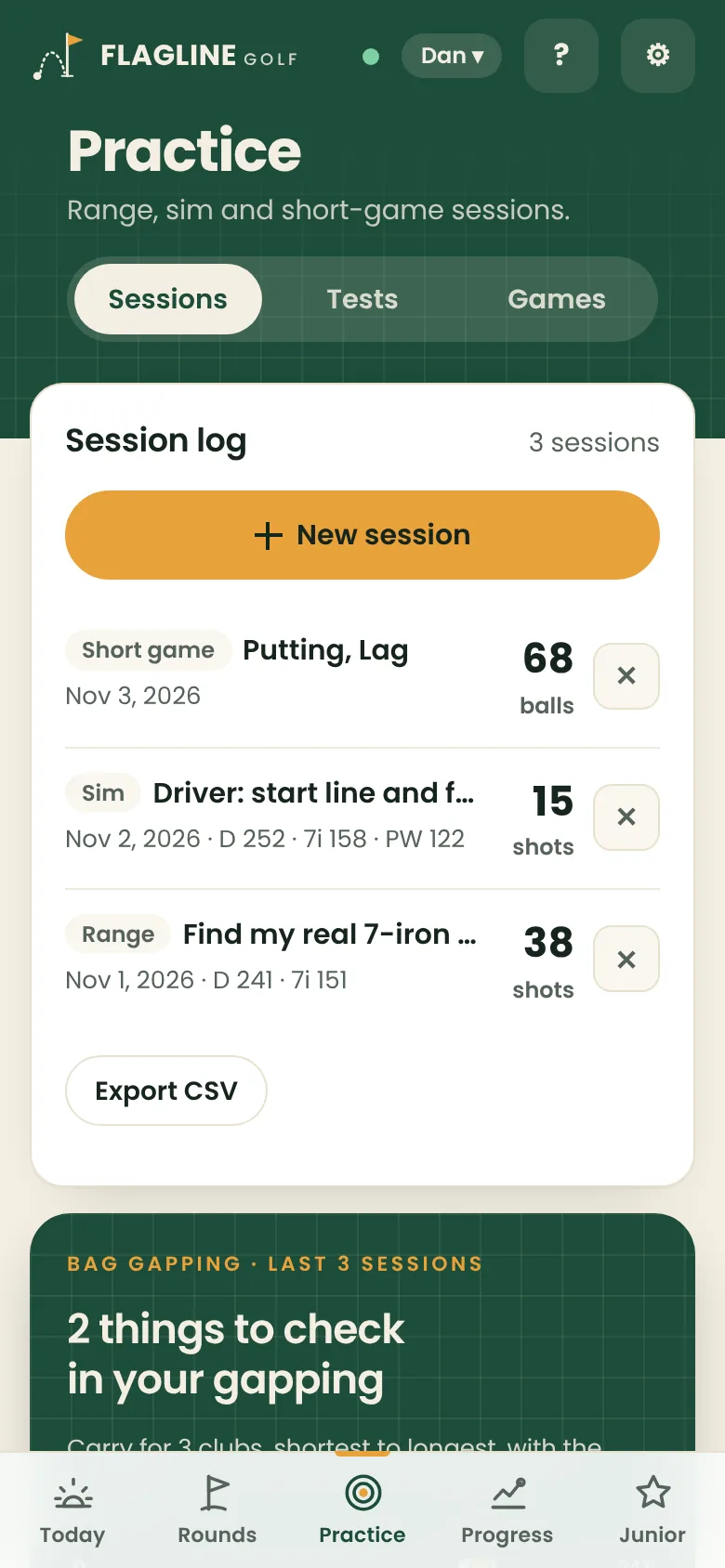
Tests & practice games
Every notebook test and all 65 practice games
Both live inside the Practice tab, next to your sessions. Re-take the tests every few weeks and watch the numbers move.
- Notebook tests: range, sim, short game and putting tests, with Beginner to Competitive levels and a trend line for each.
- 65 practice games from Golf Practice Games: rules, four levels, easier and harder versions, and your personal best.
- “Pick 3 games for me”: a full session for wherever you are, plus game day scorecards for up to 4 players.
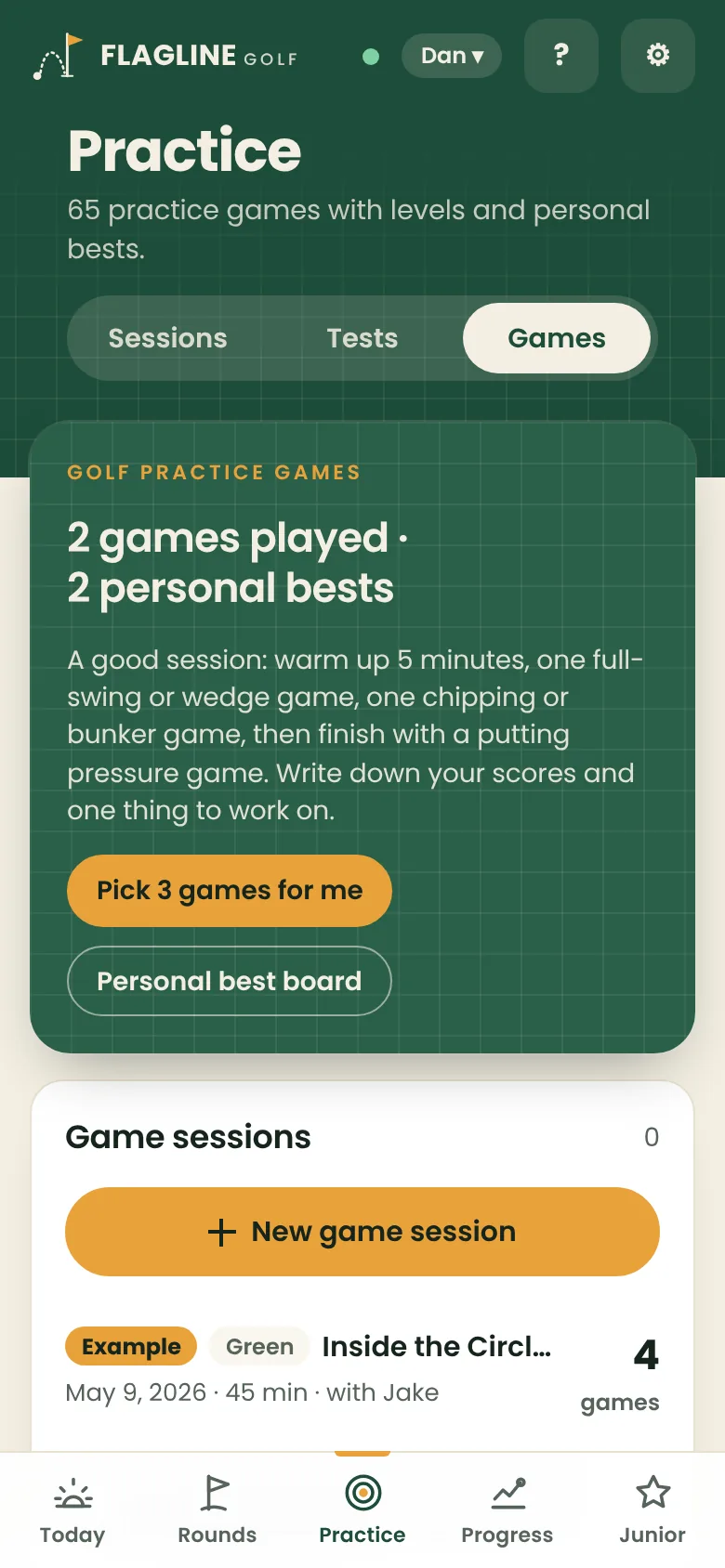
Family, juniors & coaches
Built for golf families and the people helping them
Add every golfer in the house to one account and switch with a tap.
- Junior Golf Journal: rounds, practice log, goals, badges, lesson notes and a season certificate for kids ages 6–13.
- Coach and parent links: send a coach or grandparent a private, read-only link to one golfer’s scoring index, rounds, practice and test scores. It updates as you log, and you can turn it off any time.
- Share images: a round, your miss pattern, your gapping, a badge or your season, sized for Instagram.
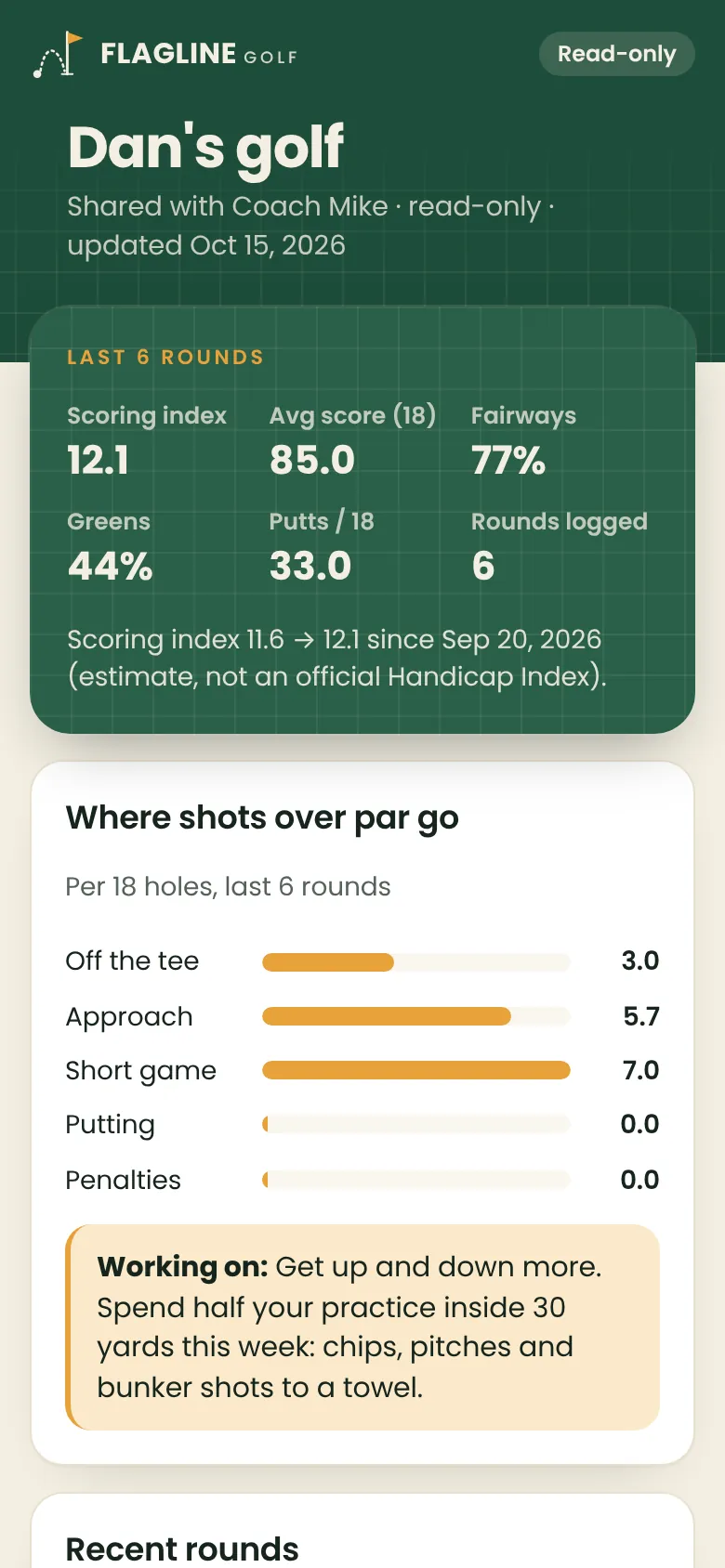
Works with the notebooks
Every Flagline notebook is built in
The app follows the notebook pages, so you can switch between paper and phone without changing how you track. Each notebook’s QR code takes you straight to the app.
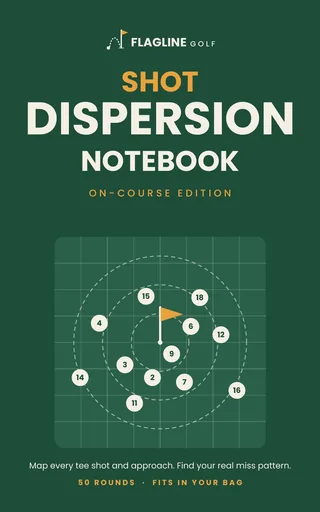 On-Course Shot Dispersion NotebookIn the app: On-Course rounds with tee and approach shot maps, and your miss pattern.
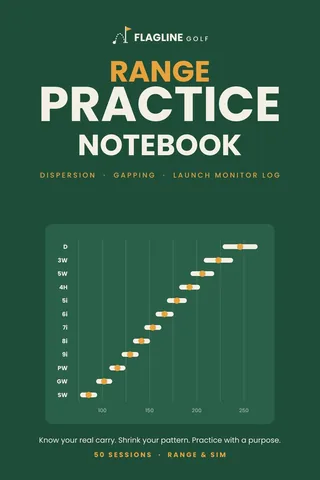 Range Practice NotebookIn the app: Range sessions, the stock-shot and gate tests, and bag gapping.
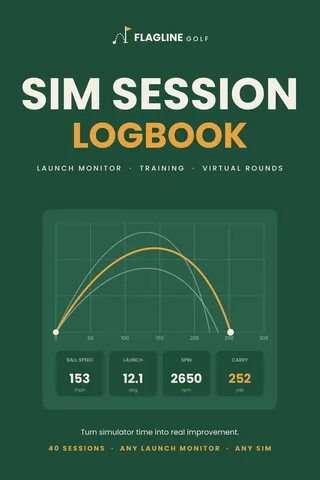 Sim Session LogbookIn the app: Sim sessions, launch monitor import, baseline, equipment tests and speed training.
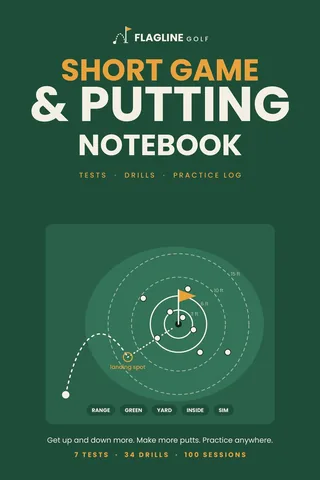 Short Game & Putting NotebookIn the app: The 7 tests with levels, 34 drills, practice plans and the wedge chart.
 Golf Practice GamesIn the app: All 65 games with levels, personal bests, game sessions and scorecards.
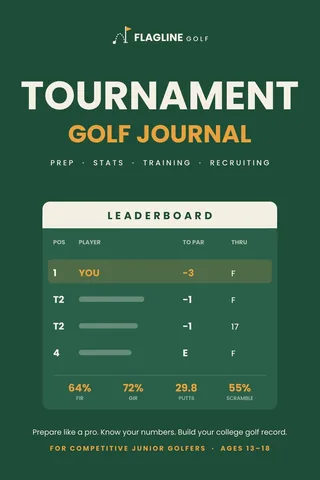 Tournament Golf JournalIn the app: Tournament rounds with up and downs, sand saves and season stats.
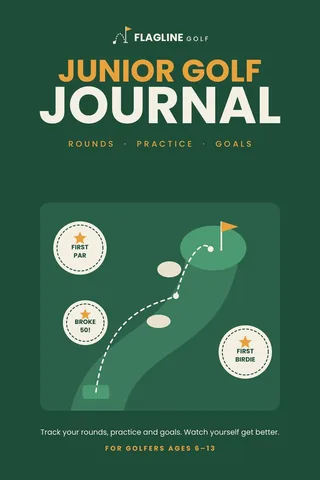 Junior Golf JournalIn the app: The Junior tab: rounds, practice, goals, badges and lesson notes.
Put it on your home screen
Install it in 10 seconds
iPhone & iPad
- Open app.flaglinegolf.com in Safari.
- Tap the Share button (the square with an arrow).
- Tap Add to Home Screen, then Add.
- Open Flagline from the new icon.
Android
- Open app.flaglinegolf.com in Chrome.
- Tap the ⋮ menu in the top corner.
- Tap Install app or Add to Home screen.
- Open Flagline from the new icon.
On a computer, just open app.flaglinegolf.com in any browser and log in.
Questions
Good to know
Is the app free?
Yes. The Flagline app is free to use today. If we ever add optional paid features, we’ll say so clearly first and won’t charge you without your agreement.
Do I need a Flagline notebook?
No. The app works on its own. If you have a notebook, tell the app during setup and it shows that notebook’s pages, tests and round type first. Lots of golfers use the notebook on the course and the app at home, or the other way around.
Does it work with no signal on the course?
Yes. Everything you enter saves on your phone first and syncs to your account when you’re back online. Log in on another phone, tablet or computer and your data is there.
Which phones does it work on?
iPhone, Android, tablets and computers, in the web browser. Add it to your home screen and it opens like any other app. Practice reminders on iPhone need iOS 16.4 or later and the app added to the Home Screen.
Can I use it for my kids?
Yes. Add each golfer to your account and switch between them at the top of the screen. Accounts are for ages 13 and up, so younger kids use the app through a parent’s account.
Which launch monitors can I import from?
Garmin Golf, Rapsodo, FlightScope, Mevo, Foresight, GSPro and most others that export a CSV file with carry distance. You can also type numbers in by hand.
What happens to my data?
It’s yours. We don’t sell it and there are no ads. You can save a backup file at any time, and you can delete your account and everything in it from Settings. See the Privacy Policy.
Why isn't it in the App Store?
It’s a web app, so it works on every phone and updates the moment we improve it, with nothing to download. Adding it to your home screen gives you the app icon and full screen.
Ready to see your real miss?
Create a free account in a minute and log your next round or practice session.